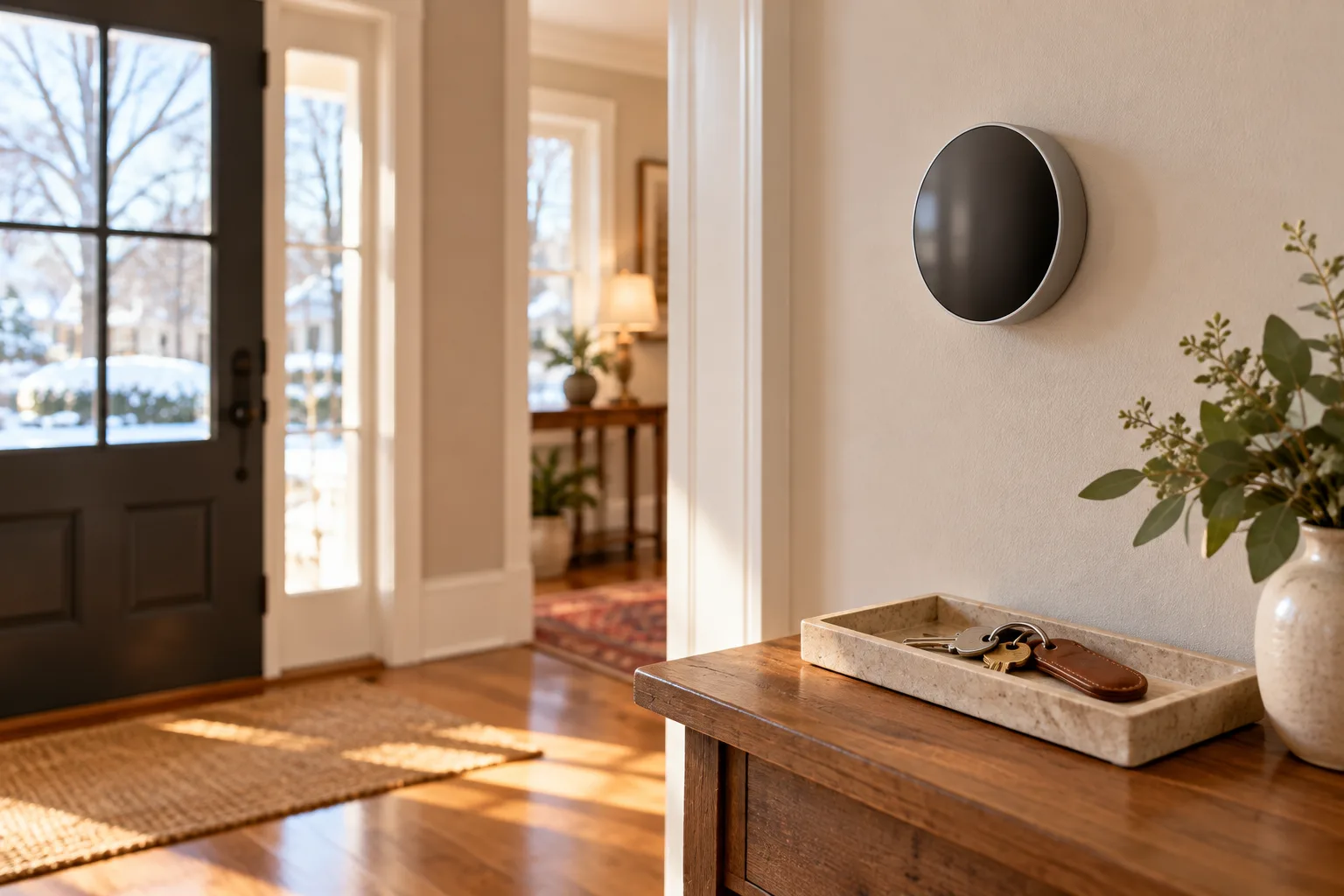
Make an inventory before closing week
List connected devices that may be built into or used around the home: thermostats, locks, cameras, alarm equipment, doorbells, lighting controls, hubs, and appliances. For each item, record whether it will stay, whether it is included in the written sale terms, who owns it, and what account or service it uses. Do not assume an installed device is included or that an account can transfer.
Ask the other party and your real-estate and legal professionals to resolve any disagreement about included equipment before handoff. Keep the final agreed list with the transaction documents. If a device connects to a security company, ask that provider what cancellation, transfer, or activation steps apply.
Sellers: protect accounts and personal information
Before leaving, follow each manufacturer's instructions to remove your account, unlink personal phones, clear stored access codes, and perform the correct reset when the device stays. Do not simply delete an app if it leaves a device registered to your account or exposes personal information. If you are unsure, ask the manufacturer or service provider to guide you.
For a camera, doorbell, hub, or voice device, check for saved recordings, location data, household profiles, guest access, and integrations. Stop any service you no longer need and confirm the cancellation. Keep receipts, manuals, and the device inventory for your own records.
Buyers: reset before connecting your accounts
After you have authority to access the home, review the included-device list and follow manufacturer guidance to reset devices to the new owner's account. Change default codes, update software, and remove former-user access. Ask the seller for manuals and model information; do not request passwords to the seller's personal accounts.
If a device is not functioning, contact the manufacturer or installer. For a shared condominium system, ask the association what is managed centrally and what a unit owner may change. A home sale does not guarantee that subscriptions, cloud storage, warranties, or connected services remain active.
Document the final handoff
Keep a dated list of devices, status, reset or transfer instructions, and open provider questions. Share only account information needed for a legitimate handoff, using the provider's secure method. Buyers and sellers can ask Rita to include device handoff in their move checklist; account security and technical support should come from the manufacturer or service provider.